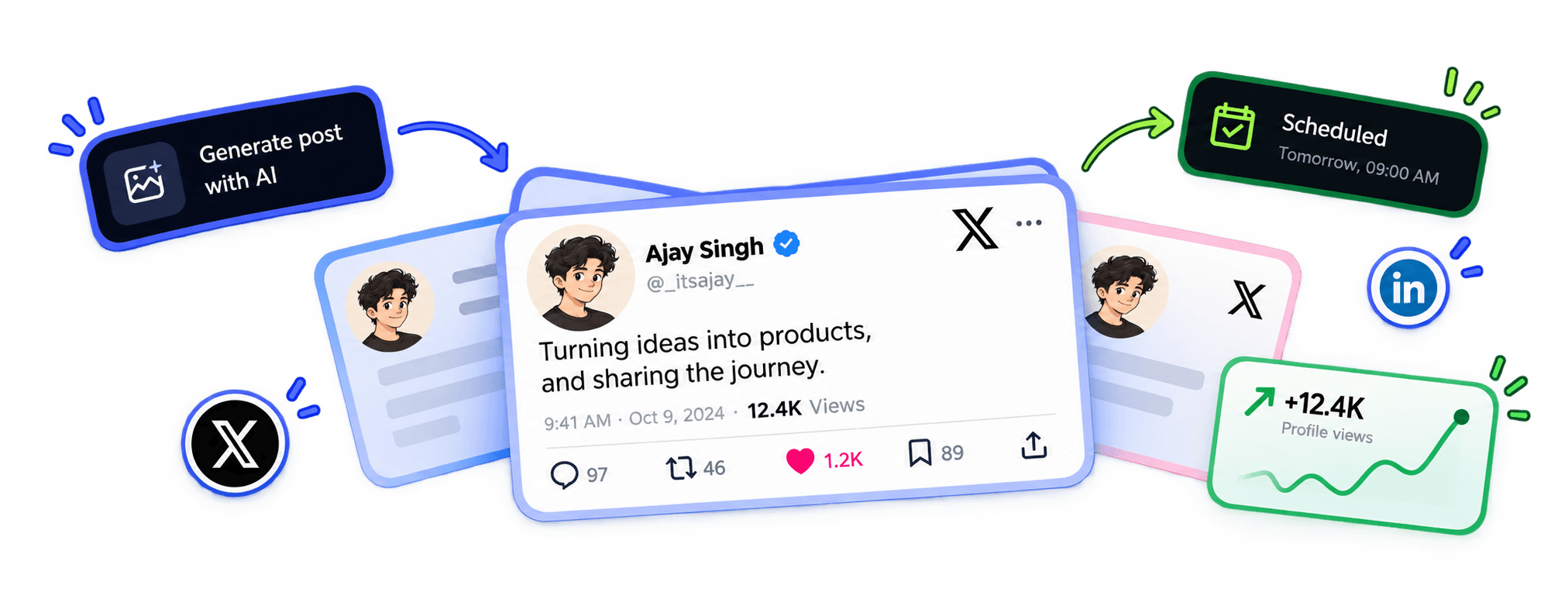
Prompt Once.
Publish straight from your AI.
Draftva's MCP integration connects compatible AI assistants to your workspace. Use an authorized assistant to create drafts and manage your social publishing workflow from a conversation.

Trusted by 2,400+ creators publishing daily
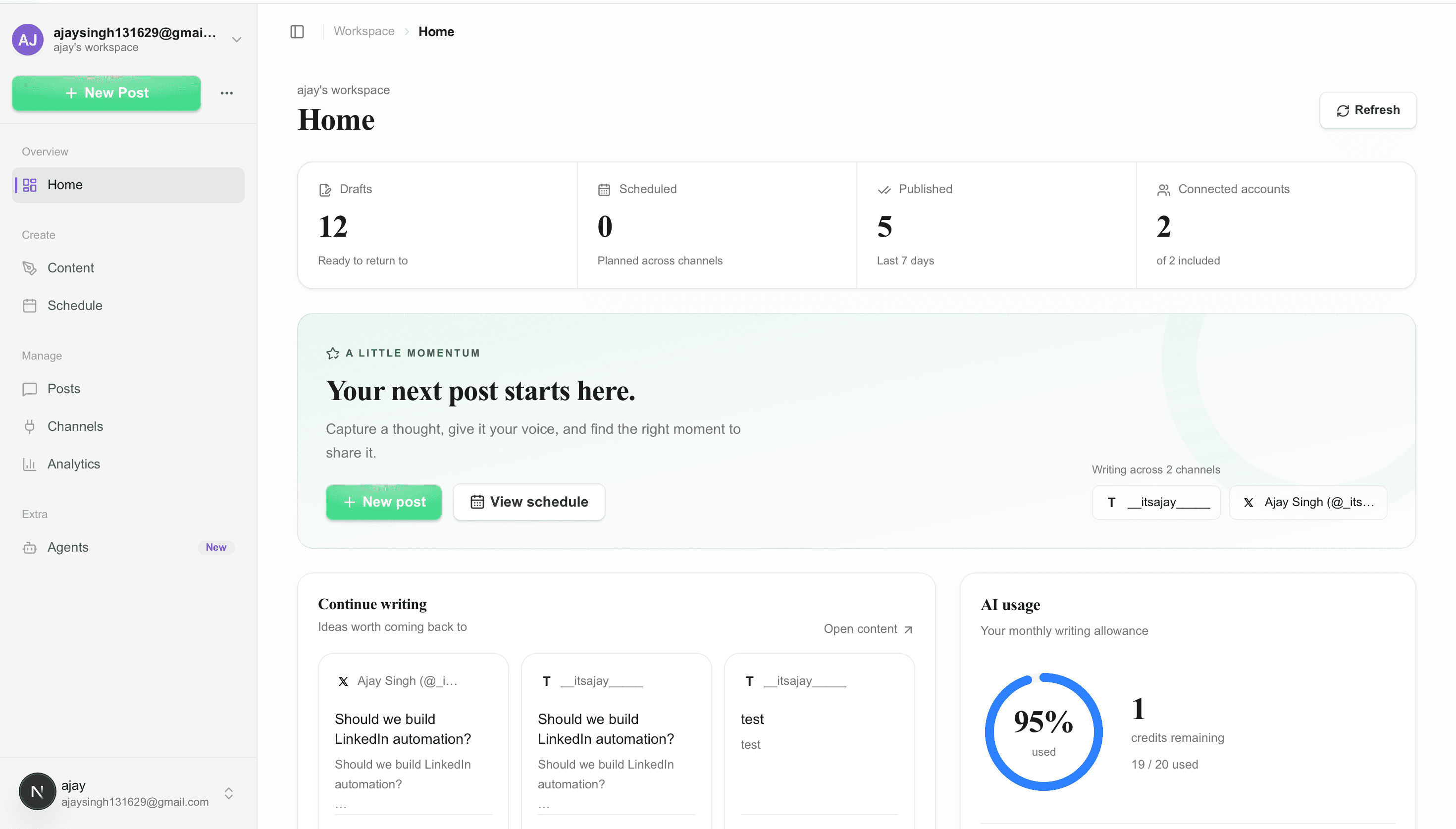
“I used to write a post on LinkedIn, then rewrite it for X and again for Threads. Now I write it once in Draftva, tweak each version side by side, and schedule the whole week in one sitting.”

Jack Qi
Co-Founder, Edcafe
“I stopped posting only when I felt inspired. Draftva keeps my ideas in one place and my queue is never empty. The analytics show which posts actually bring in followers, so I know what to write next.”
Marcus Vance
Founder, HyperCourse
Your AI can now create, schedule & publish across every platform.
Draftva runs as an MCP server. Claude, ChatGPT or Cursor can now find what's worth posting, draft in your voice, and queue everything on your Draftva account. Nothing posts until you confirm.
- Turn commits, PRs and notes into posts, straight from your IDE or chat
- Draft posts and replies that sound like you, then queue them
- Pull analytics and attach images or videos without leaving the conversation
Questions about Draftva MCP
What is Draftva's MCP integration?
MCP stands for Model Context Protocol. Draftva exposes workspace tools through an MCP server so compatible AI clients can work with drafts, accounts, schedules and analytics using an authorized connection.
How do I connect an AI assistant to Draftva?
Open Agents in your Draftva workspace and follow the setup instructions for your client. Copy the server URL shown there, add it in a compatible MCP client and authorize the workspace access you want to grant. Client support and setup steps vary.
What can a connected AI assistant do?
Access depends on the permissions you grant. Read access, draft editing, publishing and Draftva AI use are separate scopes. Review those permissions during authorization and confirm the content, destination and time before asking an assistant to publish or schedule.
Write once. Show up everywhere.
Let Draftva handle the hard part. Write once, schedule across every channel, and start posting consistently today.
- Free plan available
- No credit card
- Cancel anytime