Connect Once.
Publish across every channel.
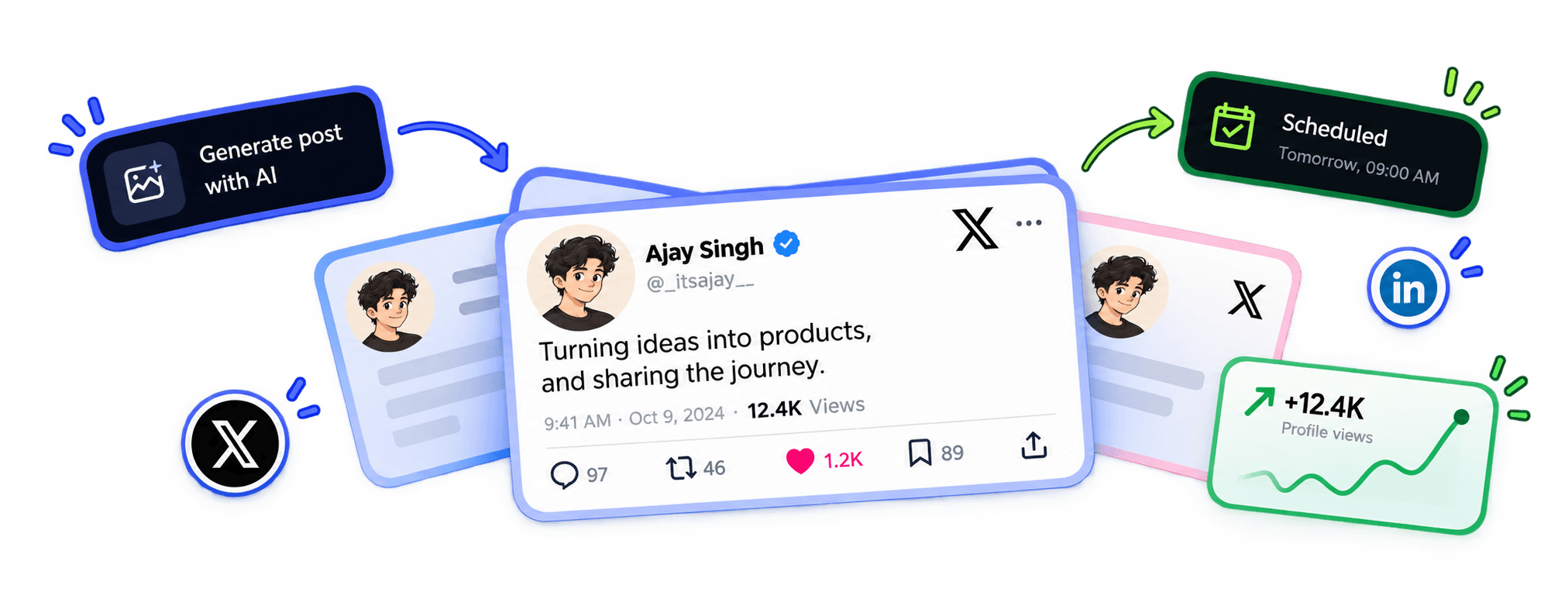
Connect social accounts to Draftva through each platform's authorization flow. Write and schedule versions for X, LinkedIn and Threads from one workspace, with options based on each account's capabilities.

Trusted by 2,400+ creators publishing daily
“I used to write a post on LinkedIn, then rewrite it for X and again for Threads. Now I write it once in Draftva, tweak each version side by side, and schedule the whole week in one sitting.”

Jack Qi
Co-Founder, Edcafe
“I stopped posting only when I felt inspired. Draftva keeps my ideas in one place and my queue is never empty. The analytics show which posts actually bring in followers, so I know what to write next.”
Marcus Vance
Founder, HyperCourse
Ready to get started?
Connect your channels and schedule your first post. Start on Free, with no trial deadline, and upgrade when you need more.

Your content. Every platform.
Create once, tailor for each platform, and share your ideas wherever your audience is. docs
 X
 Instagram
 LinkedIn
 Threads
 Reddit
 TikTok
Questions about connecting social accounts
Write once. Show up everywhere.
Let Draftva handle the hard part. Write once, schedule across every channel, and start posting consistently today.
- Free plan available
- No credit card
- Cancel anytime
Do I need to give Draftva my social account password?
Connections use the platform's authorization flow rather than asking you to store a social account password in Draftva. Review the permissions on the platform's authorization screen before approving access.