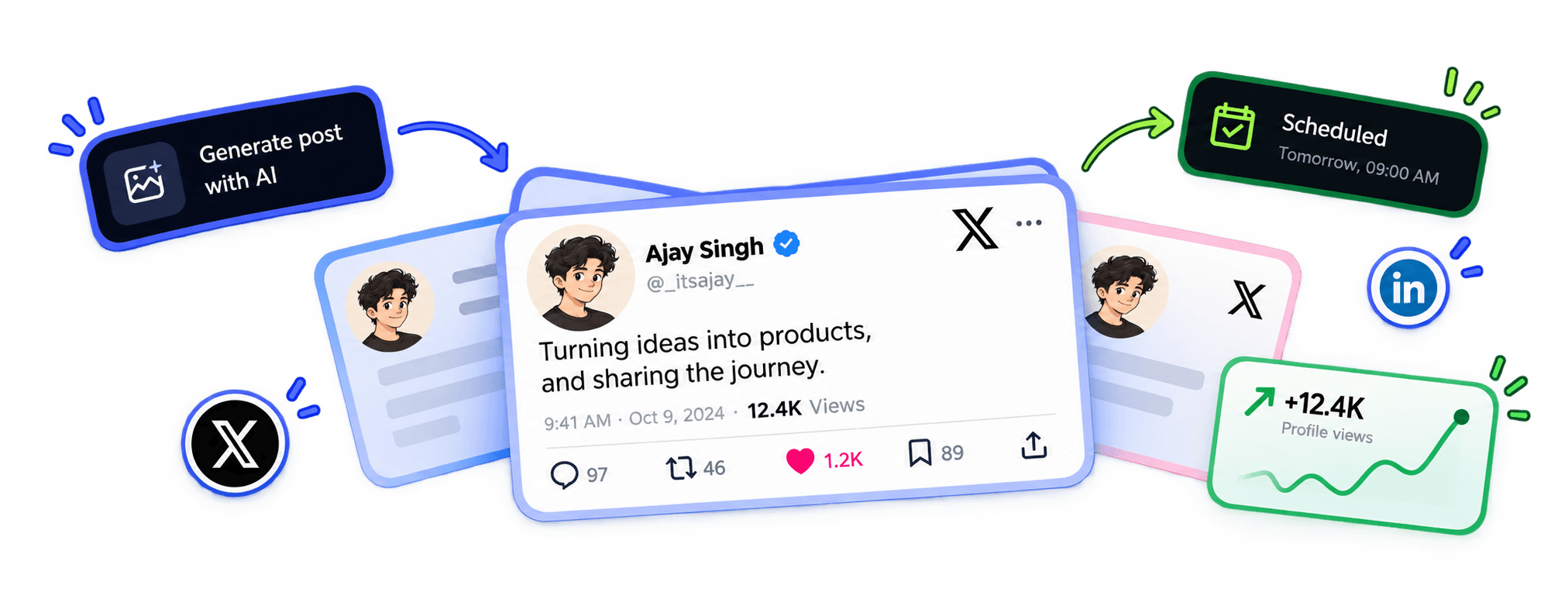
Think it. Write it.
Perfect it with AI.
Draftva's AI ghostwriter turns rough ideas into drafts for X, LinkedIn and Threads. Rewrite in a chosen tone, adapt each channel and review the text before you schedule or publish.

Trusted by 2,400+ creators publishing daily
“I used to write a post on LinkedIn, then rewrite it for X and again for Threads. Now I write it once in Draftva, tweak each version side by side, and schedule the whole week in one sitting.”

Jack Qi
Co-Founder, Edcafe
“I stopped posting only when I felt inspired. Draftva keeps my ideas in one place and my queue is never empty. The analytics show which posts actually bring in followers, so I know what to write next.”
Marcus Vance
Founder, HyperCourse
Write like an expert. In one click.
Stop staring at a blank cursor. Draftva’s AI editor fixes grammar, expands raw notes into viral threads, and matches your personal brand voice.
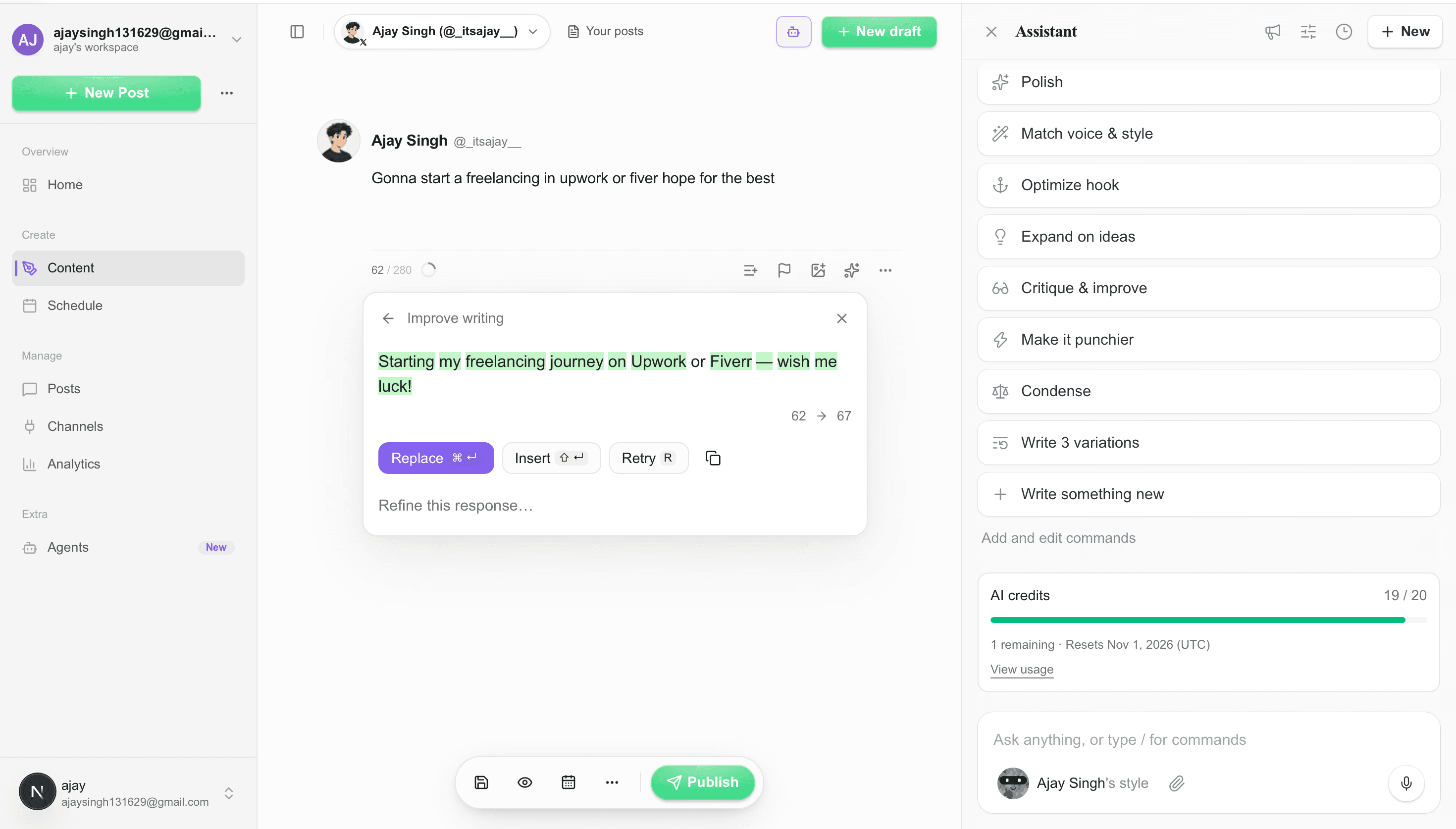
Fix typos & sharpen hooks
Highlight any sentence to instantly clean up spelling, fix awkward phrasing, and keep your post punchy for X and LinkedIn.
career update i am joining palantir techlogy
Turn raw notes into full threads
Ask the AI assistant to expand messy bullet points into multi-tweet threads, professional carousels, or engaging hooks.
Career update: I'm joining Palantir Technologies. Excited to get to work on mission-critical systems.
Trained on your writing style
Draftva analyzes your past posts to learn your exact cadence, vocabulary, and formatting rules so it never sounds like generic AI.
"We spent 6 months rebuilding our backend. Here's what we learned about scaling microservices..."
Ready to get started?
Connect your channels and schedule your first post. Start on Free, with no trial deadline, and upgrade when you need more.

Your thought. Just a little more polished.
Keep writing, even when the words aren’t quite there yet. Refine a sentence or a whole post, see what changed, and keep the version that sounds like you.
- Fix grammar without losing your point of view
- Try a sharper hook or a shorter version
- Review every change before replacing your draft
Alex Morgan
@alexbuilds
we shipped our new editor today. spent 3 weeks on the small things and it finally feels right
Improve writing
Talk it through. Then make it yours.
Sometimes you need more than a rewrite. Give the assistant a direction, compare its suggestion with your draft, and bring the useful parts back into your editor.
- Ask for context, a new angle, or a clearer opening
- Compare your original with the suggested draft
- Apply a suggestion when you’re happy with it
Alex Morgan
@alexbuilds
we shipped our new editor today. spent 3 weeks on the small things and it finally feels right
Make it more personal
Suggested draft
we shipped our new editor today. spent 3 weeks on the small things and it finally feels right
We shipped our new editor today. I thought the hard part would be building it. Turns out, it was knowing when the small details were good enough. Three weeks later, it finally feels like something I’d want to write in.
A little more of the story behind the launch. Still your point of view.
Sound like yourself. Even on a blank-page day.
Your writing has a rhythm. Give Draftva examples and preferences so the next draft starts closer to your voice, whether that’s thoughtful, conversational, or straight to the point.
- Build a voice profile from your own writing
- Keep your tone and the details that matter
- Adjust the direction without starting over
A sample of your writing
“I nearly called it done a week ago. Then I used it to write a real post. A few things still got in the way. So we fixed them.”
Alex Morgan
@alexbuilds
I spent three weeks making our editor feel less like a tool and more like a place to think. It’s live today. I’d love to know how it feels to you.
Written in your personal voice
A sample of your writing
“Fewer clicks. Less clutter. More room to write. That was the brief.”
Alex Morgan
@alexbuilds
Our new editor is live. Three weeks of small improvements. A cleaner space to write, refine, and hit publish.
Written in your concise voice
A sample of your writing
“Good writing tools leave you alone until you need them. We kept coming back to that while building this.”
Alex Morgan
@alexbuilds
The best change we made to our editor wasn’t adding a feature. It was getting the tools out of the way. After three weeks of small decisions, the new version is ready.
Written in your thoughtful voice
Make the idea fit. Not just the character count.
A good LinkedIn story isn’t always a good X post. Turn the same thought into a focused update, a professional story, or a conversation starter, with room for your final touch.
- Adapt your idea for X, LinkedIn, and Threads
- Keep the message while changing the structure
- Check each version before it leaves your workspace
The original idea
New editor launch. Three weeks on the small details. Ask people what makes writing easier.
Alex Morgan
@alexbuilds
Three weeks on the small details. A calmer toolbar. Easier rewrites. More room to think. Our new editor is live today. What’s one thing that always breaks your writing flow?
Formatted for X. Ready for your final edit.
Alex Morgan
Building in public · Founder
We spent three weeks on the details of our new editor. Not a big new feature. The small things: where a button sits, how a rewrite feels, what happens when you lose your train of thought. The lesson? A better writing experience often comes from removing friction. The new editor is live today. I’d love your feedback.
Formatted for LinkedIn. Ready for your final edit.
Alex Morgan
@alexbuilds
Our new editor is finally out in the world. We spent three weeks moving buttons, rewriting labels, and asking “does this actually make writing easier?” Curious: what’s the smallest detail in an app that makes a big difference to you?
Formatted for Threads. Ready for your final edit.
Questions about AI ghostwriting
What can Draftva's AI ghostwriter help with?
The assistant drafts and rewrites social posts, suggests hooks, expands an idea into an X thread and adapts copy for LinkedIn or Threads. Available writing tools depend on the selected platform. You edit the result before scheduling or publishing.
Can the AI write in my brand voice?
Paid plans include custom brand voice profiles. Add tone guidance and writing samples, then select the profile that fits the brand you are writing for. The AI uses that guidance when drafting; review the result to keep it accurate and personal.
What happens when my AI credits run out?
AI features use your workspace's credit allowance. When the available balance is exhausted, further AI requests are blocked until credits become available. You can still write and edit manually, and scheduled posts remain subject to your publishing plan and connected account status.
Write once. Show up everywhere.
Let Draftva handle the hard part. Write once, schedule across every channel, and start posting consistently today.
- Free plan available
- No credit card
- Cancel anytime